Home/Products/Request Agent

Select the files you need, and every file lands on the platform automatically.

Name the files you need, and the Request Agent asks each client at once; weekly, monthly, quarterly, or annually. It then continues to follow up with each client until the files are uploaded via the portal, and it sends you a notification when the request is complete.
Reserve for free
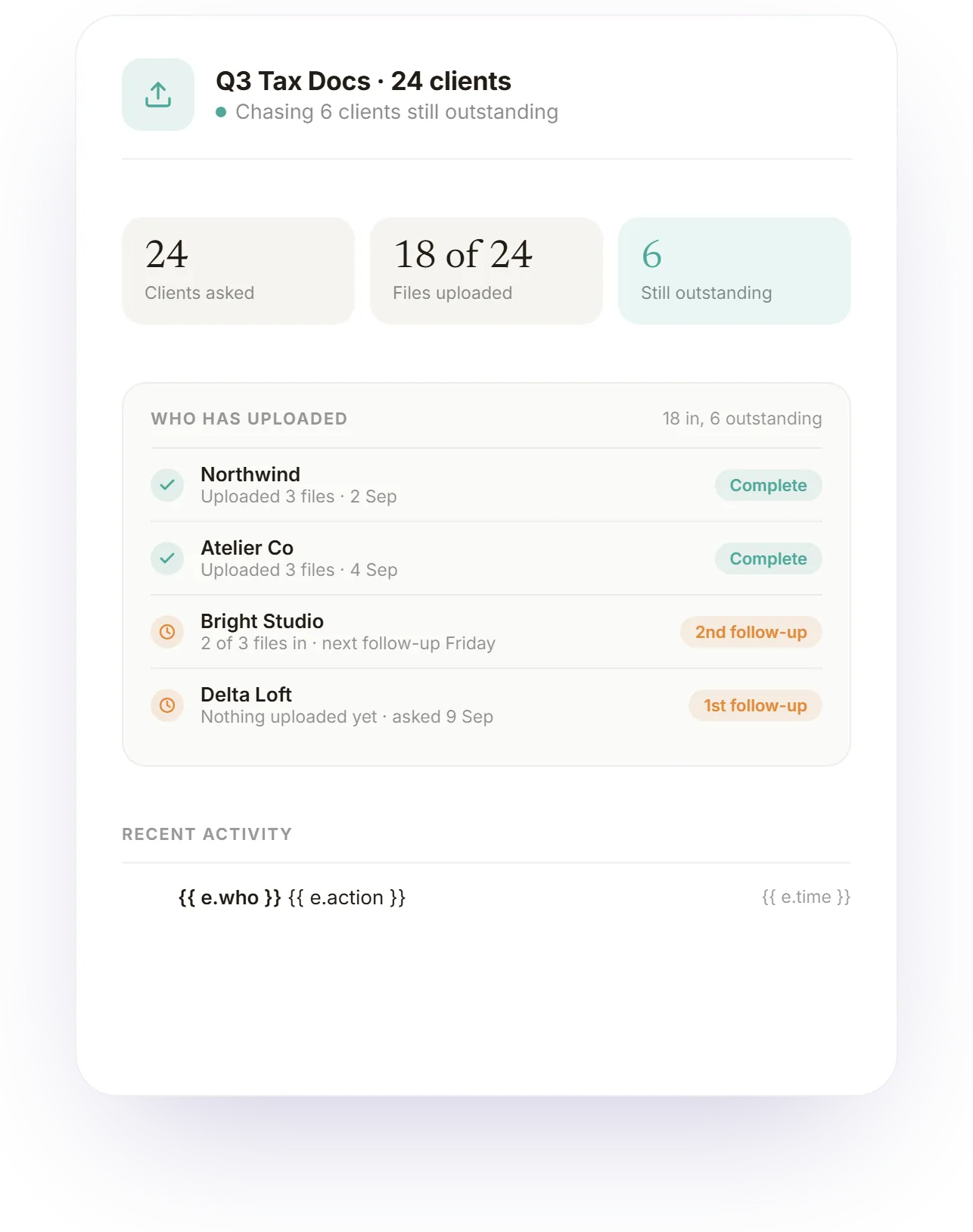
A recurring file request across a client list: who has uploaded, who is still outstanding, and the follow-ups the Request Agent has sent to each of them.
In short

Send one request to everyone. Everbird follows up until all files arrive.

Name the files you need and select the clients; then the request is sent to all of them at the same time.
It tracks each client and only follows up with those who have not uploaded, in your voice, with your approval or automatically.
Set it to repeat monthly, quarterly, or yearly, and the collection round restarts automatically.

"Chasing files isn't merely a matter of sending one email; it means sending the same email to twenty people and then to the six who forgot. That's why we built a system where you send the request once, and the agent keeps up with each client until their file is received."

How it works

The file request, completely automated.
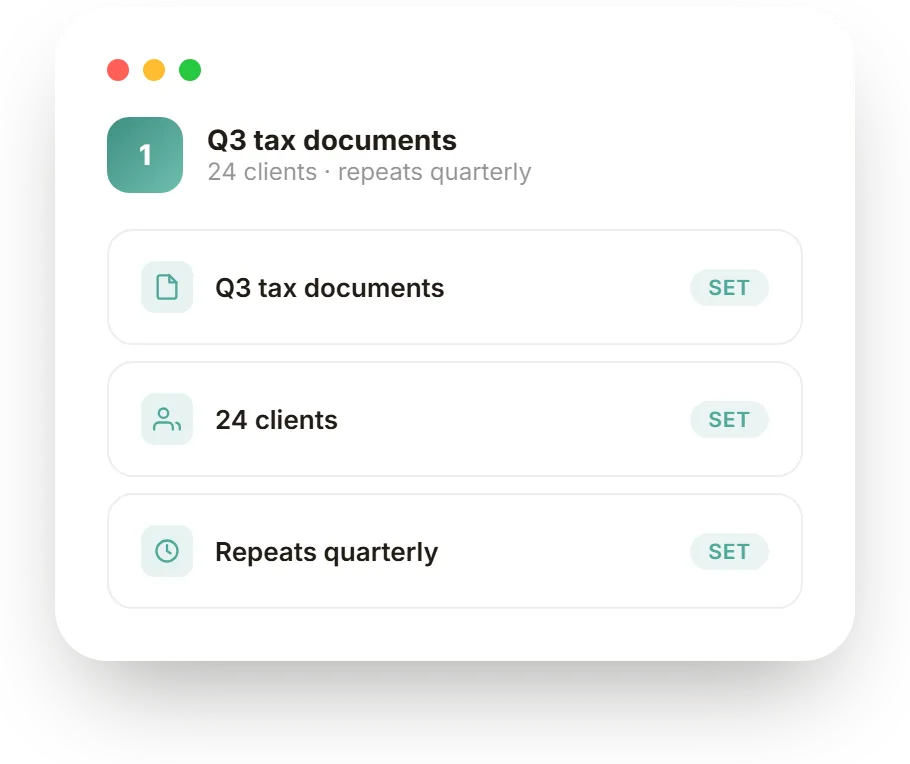
Q3 tax documents, step 1: The clients, the files, and the schedule.
What do you set up?

The clients, the files, and the schedule.

Name the files you need, choose which clients to ask, and pick a schedule if the request should repeat: monthly, quarterly, or yearly. That is the whole setup; the agent handles everything after you hit send.

Q3 tax documents, step 2: It requests all clients at the same time.
Then what happens?

It requests all clients at the same time.

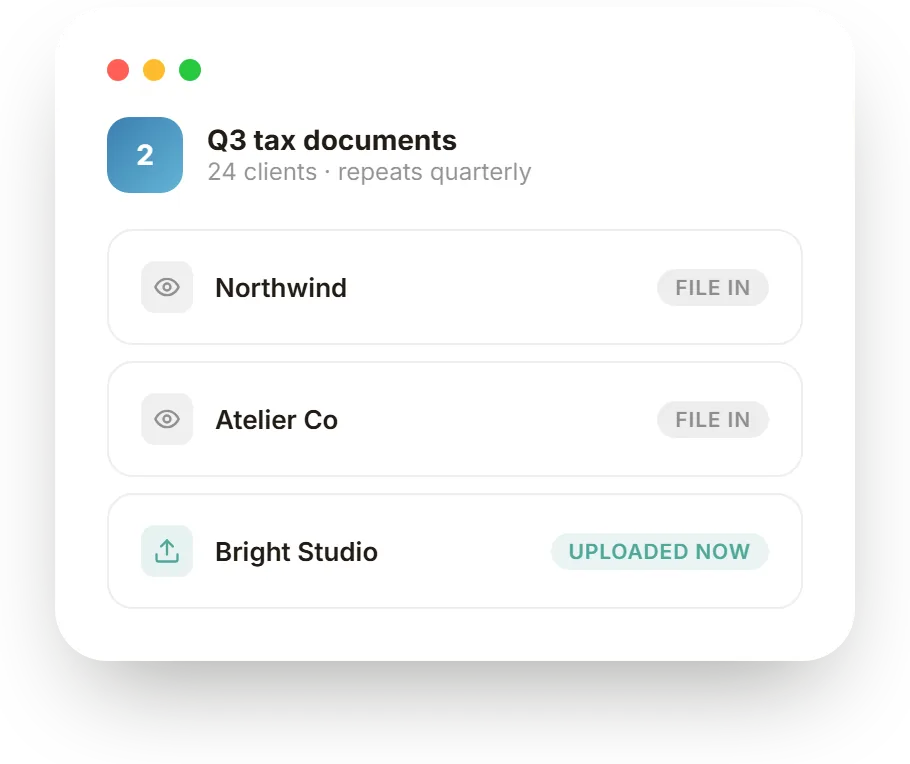
Every client on the list gets the request at the same moment, each on their own thread with their own portal link. No cc, no login, no attachment. They open the link, upload, and the file is filed against the request automatically.

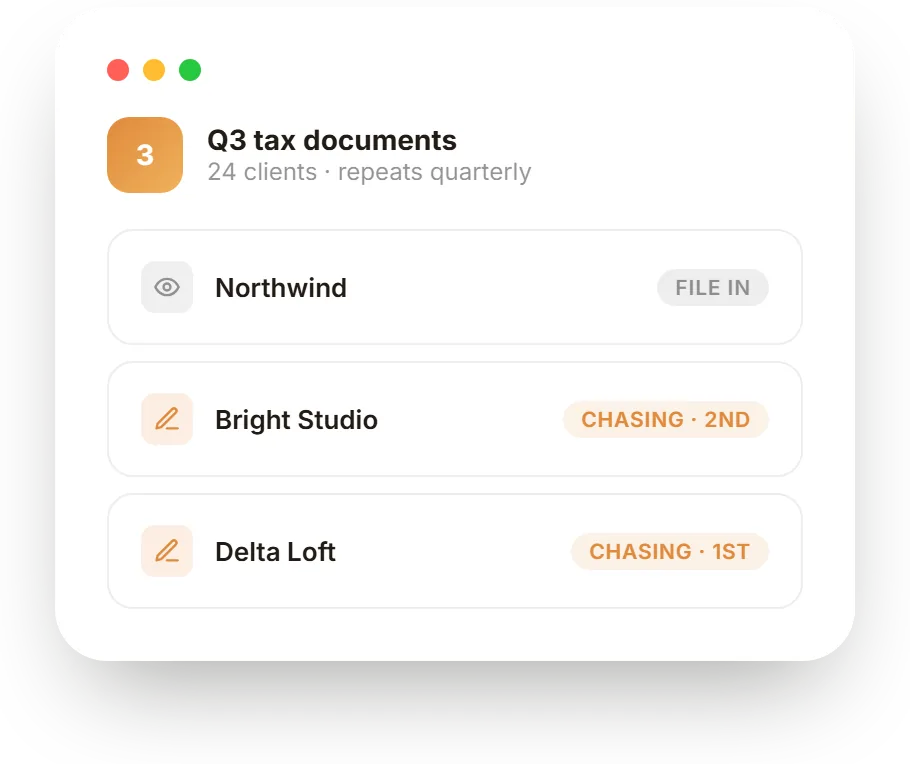
Q3 tax documents, step 3: It follows up with each one until they respond.
And the clients who forget?

It follows up with each one until they respond.

The agent tracks every client on the request and follows up only with the ones who have not uploaded yet, from your own email address and in your tone. Nothing stalls on the few who forget.

What's included

Everything you need to automate client requests.

One request, every client
Name the files to request, pick the clients, and send to all at once via bulk send.
Repeats on your schedule
Weekly, monthly, quarterly, or yearly. It runs each period again and again.
Chases each client until it lands
It tracks each client and follows up only with those who have not uploaded.
Files upload through the portal.
Clients open the link, drop the file in the portal, no login, no attachment.
Approval or full autopilot
Automatically from your email address; after 3 nudges, it asks for your decision.
Confirms from your account
When the file lands, it stops chasing and sends a confirmation in your name.
How it compares

An agent that chases every client vs a group email.

TaskA group emailEverBird agent
Asking every clientOne email, cc everyone, hope they read itOne request in client portal; No login required
Collecting the filesAttachments and Drive links, scattered across repliesUploaded straight into the portal
Chasing who forgotYou re-read the thread and email them againAuto Follows up clients
Knowing where it standsCross off names in your headA live count; who is in, who is still outstanding
Running it again next periodRewrite and resend the whole thingRepeats on its own
Telling clients you got itA manual thank-you, if you rememberAuto-confirmed from your email account
Who it's for

Ask once, then auto follow ups starts.

Accountants and book-keepers

Each quarter you must obtain the same documents from the same clients and spend a week hunting down the final few. So ask all once, have the agent record who has uploaded, and contact only those who haven't. Then set the process to repeat every quarter.

Agencies and studios

A project can't begin until brand assets, and briefs are received, which usually arrive late. So make a single request through the portal instead of scattered emails. The agent keeps track of each client until they send details, so the project's kickoff is not delayed.

FAQ · Request Agent

Request Agent questions.

To set it up, list the required files, select the clients to contact, and decide whether the request should recur monthly, quarterly, or yearly. Then the Request Agent sends the request to all clients at once and follows up with each one until the file is received.
The clients send their files back by using the branded client portal. Since there is no need for a login, email attachments, or Drive permissions, the client opens the link, uploads the file, and the file is automatically assigned to the relevant request and linked to the correct client.
Yes. With each request, all the clients are contacted at the same time. The agent then keeps track of the clients and follows up only with those who have not yet uploaded the documents, so the request is not held up by the few who forget.
When a request has been carried out and the file arrives, the agent ceases pursuing that client and then sends a confirmation email from your account using your name. Then the client receives a message indicating that you have received it. You do not need to compose one yourself.
Yes. A single request can include several documents, and the agent will handle each item individually for each client, continuing to follow up until all files in the request have been uploaded.
Not unless you decide to do so. By default, all drafted follow-ups require your approval. You can set a request or the entire workspace to automatic mode; in that case, follow-ups are sent from your address in your name, and the collection continues without any additional steps.
If a client never uploads, the agent carries out at most three follow-ups for that client and then stops, even when operating automatically, and returns the client with a full record of what has been sent and when, so that you can decide how to contact them.
The Request Agent is included on Max and on the plans that have automated file requests through the portal. The Invoice Agent is available on all plans, and the Contract Agent is on Pro and Max. Max costs $349 a month. See pricing.
All uploaded files end up in the client portal, regardless of the request or the client they came from, so you always know which client sent what and when. See the client portal.
Portrait of Maya Ellison, Business Analyst, EverBird.ai
Maya Ellison
Business Analyst, EverBird.ai

Maya has spent nine years building document and payments workflows for agencies and service businesses. She leads the team behind EverBird's Revenue Agents, deal threads, e-signatures, client portals, and invoicing, and reviews every product page for factual accuracy on how the product actually behaves.

Keep exploring

Related features.

All products·Pricing

Send the request. Files land.

7-day free trial. No card required. The Request Agent is on Max.

Reserve for freeSee pricing
Last updated · Reviewed by Maya Ellison · Refreshed monthly.
EverBird.ai

Everbird spots who’s stalling, decides when to follow up, and writes the message that closes the deal — automated client follow up software with one link for all client documents.

Pre-register · Founders’ Circle open
Company
StoryResearchBlogPrivacyTerms
Talk to the team

Our community is built into EverBird, and yes, we answer every email ourselves, always.

Contact us →
© 2026 Kinsei Lab. All rights reserved.